Can drivers upload proof of delivery in TTMS Fleet Mini?
Yes. A driver can upload one or more proof of delivery files against the relevant load and delivery stop. The owner can review the evidence and keep the load in a missing-POD exception state until required proof is accepted.
TTMS FLEET MINI
Delivery evidence,
in your pocket.
Collect signed proof of delivery documents against the correct load and delivery stop, review image quality and close missing-POD exceptions.
Explore the app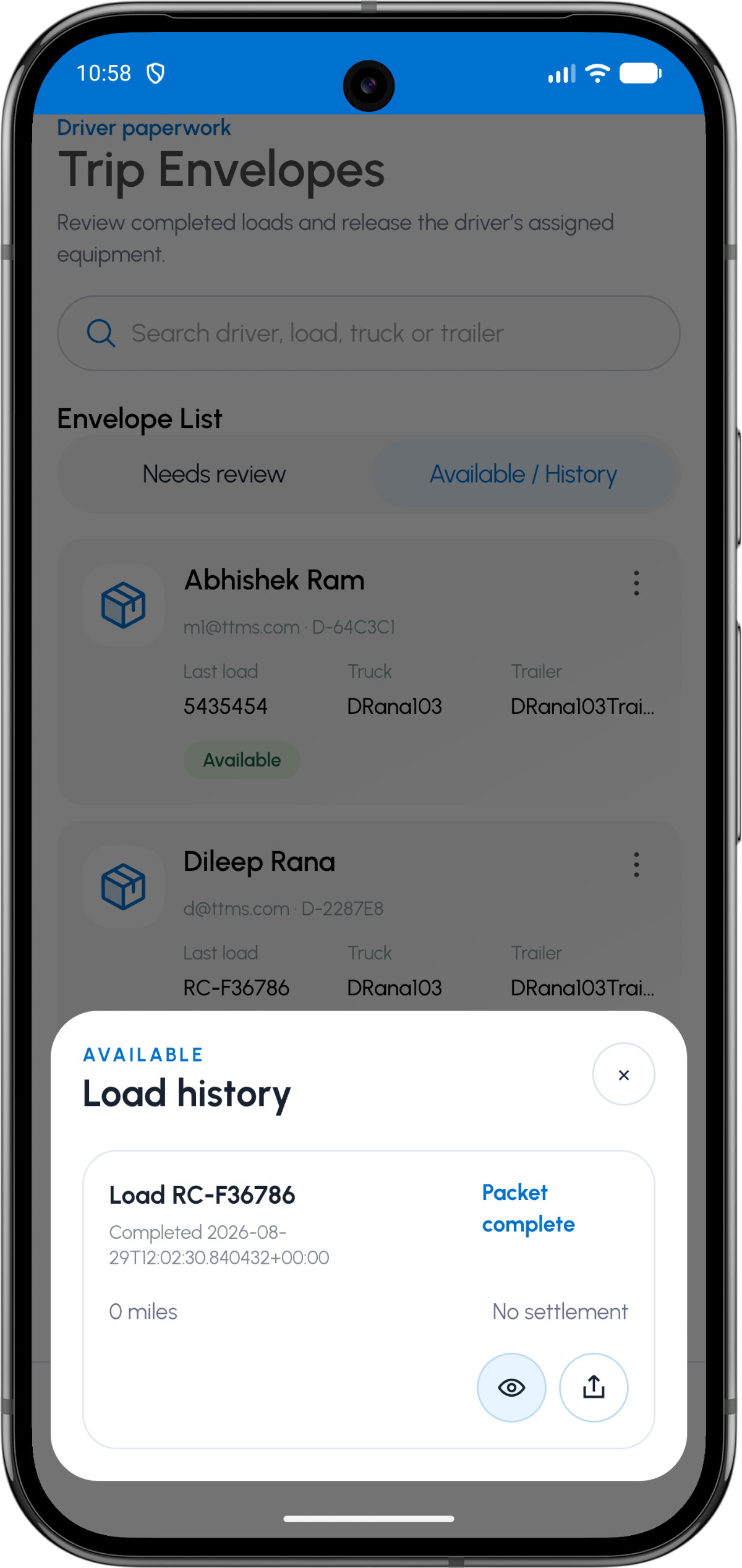
- Document type
- Proof of delivery (POD)
- Operational moment
- Delivery
- Multi-drop support
- Separate POD per delivery stop
- Completion effect
- Clears required delivery evidence
Collect proof at delivery
The best time to capture delivery evidence is before the driver leaves the facility. The app can place the POD action directly inside the delivery stop workflow.
A preview helps catch cut-off signatures, glare or missing pages while the document is still available.
Tie proof to the exact delivery
Multi-drop loads may produce a different POD at each delivery. A stop reference keeps each file connected to the consignee and event that produced it.
The load can remain the parent while still holding several delivery-specific proof sets.
Use accepted proof downstream
Once reviewed, POD evidence can support trip-envelope completion, billing preparation and later audit retrieval.
The operational system should preserve the original upload and review history even if a display copy is optimized.
OPERATIONAL SEQUENCE
A workflow an owner and driver can both follow
The route ribbon makes the relationship between actions visible. Each step leaves context for the next person and the final review.
- 1Complete unloading
- 2Capture signed delivery proof
- 3Confirm the delivery stop
- 4Submit all required pages
- 5Reviewer clears missing-POD status
QUESTIONS & ANSWERS
Questions fleets ask
Can one load have several POD files?
Yes. Multiple delivery stops or multi-page documents can produce several POD files under one load.
What if the POD is missing?
The load can surface a missing-POD exception so completion or billing review does not hide the gap.
Can the POD be used in an audit export?
The export can reference the document record and review status; secure document delivery should follow the fleet’s access and retention rules.
Should a driver leave before checking the upload?
The safer workflow is to preview and confirm that required pages and signatures are readable before leaving the delivery location.
Last reviewed: September 18, 2026. Product scope and terminology checked against the current mobile experience.