How does TTMS Fleet Mini help an owner-operator?
TTMS Fleet Mini gives an owner-operator one mobile place to follow active loads, record trip costs, keep documents tied to the correct trip, review equipment status and prepare a cleaner trip envelope for settlement or audit.
TTMS FLEET MINI
For owner-operators,
in your pocket.
See how owner-operators can coordinate loads, trip expenses, documents, equipment and driver communication in the TTMS Fleet Mini mobile app.
Explore the app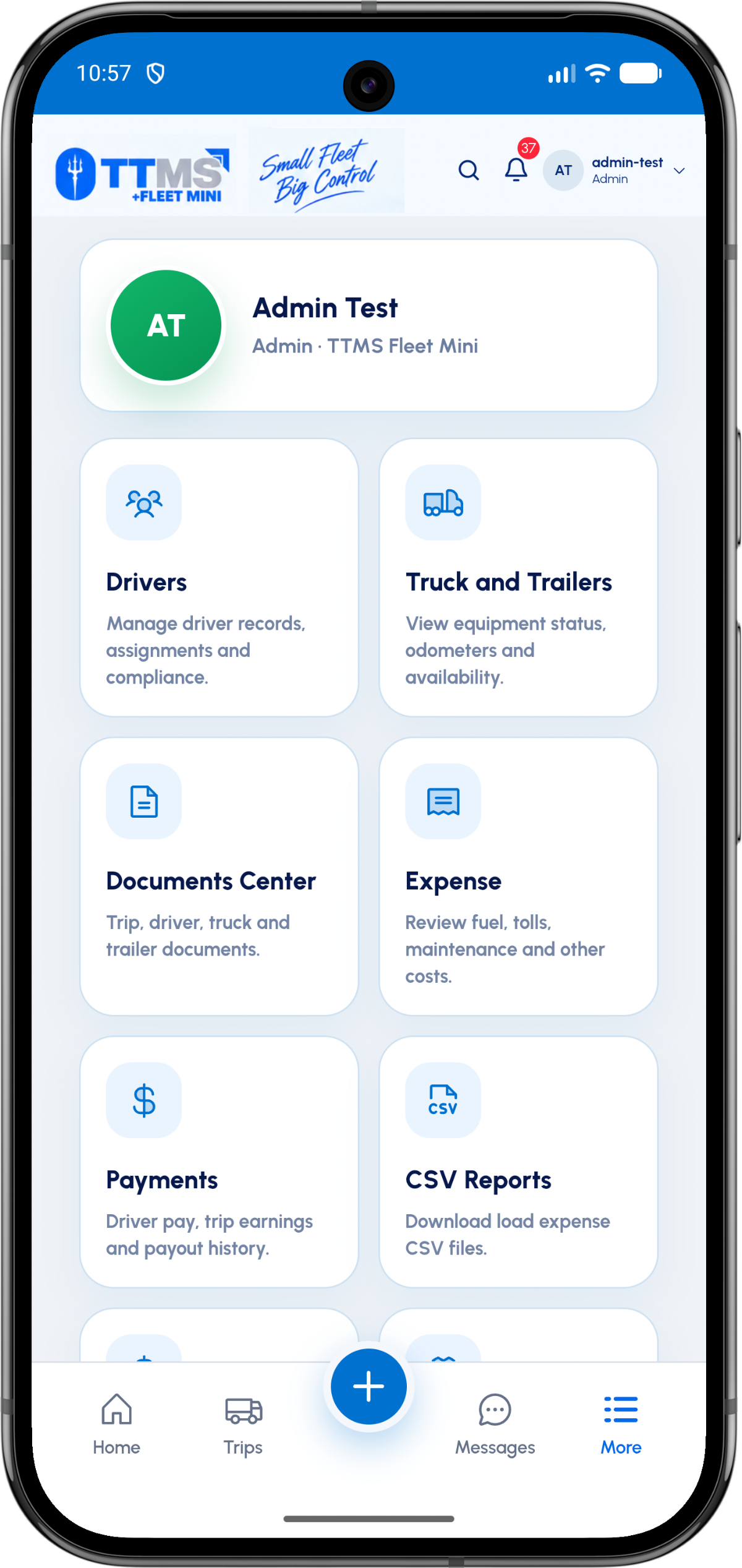
- Best fit
- One-truck and small-fleet operations
- Primary view
- Active loads and trip status
- Business records
- Expenses, payments and CSV reports
- Review unit
- One envelope per completed trip
Operate without losing the paperwork
An owner-operator switches constantly between driving, customer communication, receipts and equipment decisions. Fleet Mini keeps the operating record organized around the load instead of around whichever app captured the information.
That structure makes it easier to answer basic business questions: which trip is active, what was spent, which documents are complete and what equipment is available next.
Separate trip facts from memory
Odometer entries, stop events, fuel purchases and uploaded documents become part of the trip record. The owner does not have to reconstruct the week from messages and photos after the fact.
When a load is complete, the trip envelope provides a review point before the driver and equipment are released for the next assignment.
Prepare useful records for review
Expense and document records can support settlement preparation and month-based exports. They are operational records, not a replacement for professional tax or accounting advice.
The strongest workflow is to capture each cost and document at the moment it occurs, then review exceptions before closing the trip.
OPERATIONAL SEQUENCE
A workflow an owner and driver can both follow
The route ribbon makes the relationship between actions visible. Each step leaves context for the next person and the final review.
- 1Open the active load
- 2Record stops and mileage
- 3Add fuel and trip expenses
- 4Attach BOL and POD
- 5Review and close the envelope
QUESTIONS & ANSWERS
Questions fleets ask
Can an owner-operator use Fleet Mini without a dispatcher?
Yes. The owner-driver workflow is designed for a person who manages the business and performs the trip, while still keeping operational records separated by load.
Does it track trip expenses?
Fleet Mini can organize fuel, tolls, maintenance and other load-related expenses so they can be reviewed with the trip.
Can it replace accounting software?
No. Fleet Mini can prepare organized operational records and exports, but accounting and tax treatment should remain in the appropriate accounting process.
Can an owner-operator manage equipment?
Yes. Truck and trailer profiles can hold identifying information, odometer context, document status and availability for assignment.
Last reviewed: September 18, 2026. Product scope and terminology checked against the current mobile experience.