How does expense tracking work in TTMS Fleet Mini?
Fleet Mini can record trip expenses such as fuel, tolls, maintenance, scale fees and lumper charges with amount, category, date, receipt and load context. Owners can review the costs within the trip envelope and include them in reports.
TTMS FLEET MINI
Trip costs,
in your pocket.
Record fuel, tolls, maintenance, lumper fees and other trip costs with receipts, categories, dates and load context for review and export.
Explore the app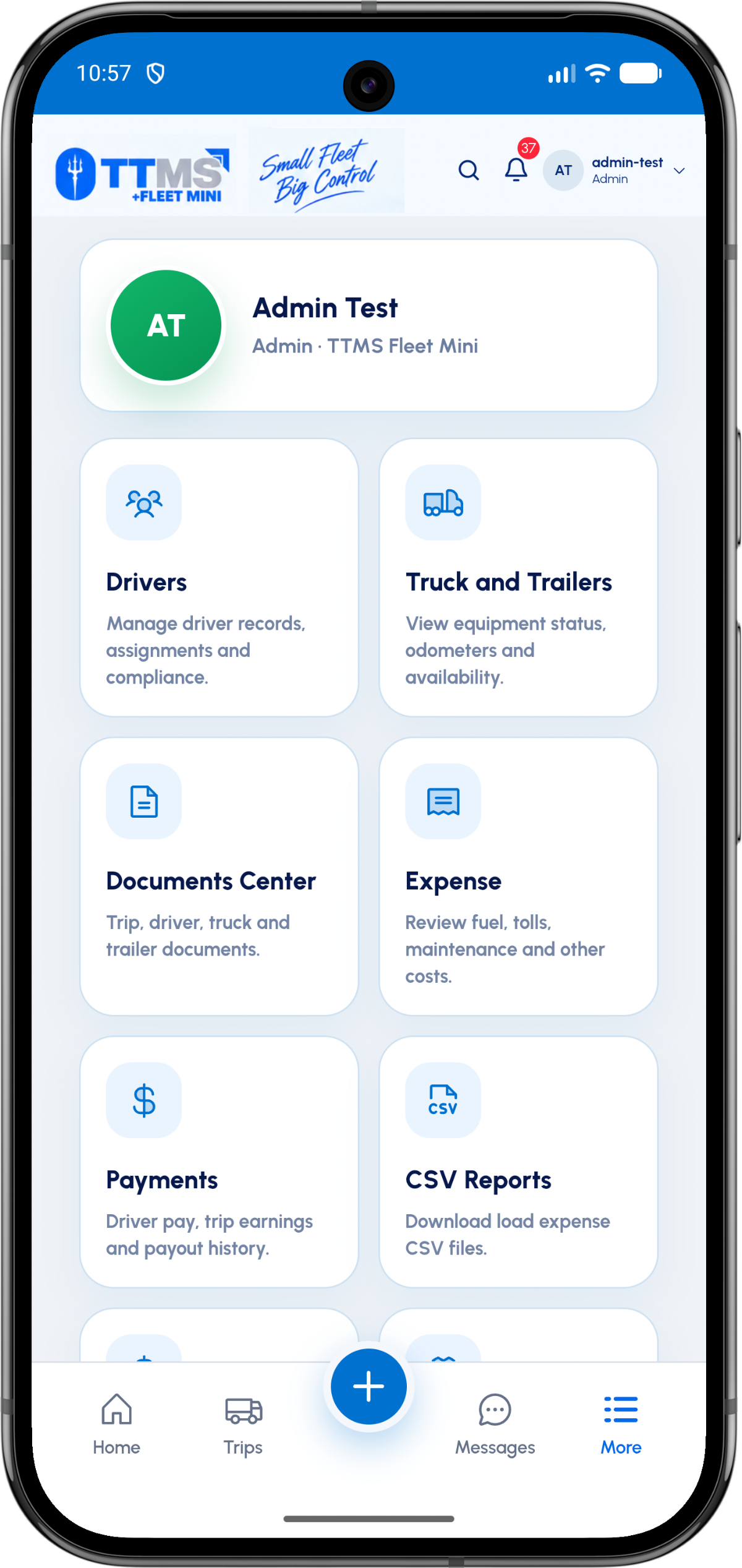
- Common categories
- Fuel, toll, maintenance, scale and lumper
- Evidence
- Receipt image or document
- Primary relationship
- Load or trip
- Outputs
- Envelope review and CSV reporting
Capture cost and evidence together
An expense amount without a receipt is incomplete, while a receipt photo without a category or load is hard to use. The mobile form should collect both parts in one action.
Defaults can reduce taps, but the user should still be able to correct date, category, vendor or payment context.
Separate business views
Trip profitability, driver reimbursement and monthly accounting review use the same source costs in different ways. Storing structured expense records makes those views possible without duplicating data.
The application can prepare records, while accounting treatment remains with the fleet and its professional adviser.
Review exceptions before export
Missing receipts, duplicate submissions and unusually incomplete fields should be surfaced before the month closes.
A reviewed trip envelope gives monthly exports a more reliable source than an unfiltered list of raw uploads.
OPERATIONAL SEQUENCE
A workflow an owner and driver can both follow
The route ribbon makes the relationship between actions visible. Each step leaves context for the next person and the final review.
- 1Choose active load
- 2Select expense category
- 3Enter amount and date
- 4Attach receipt
- 5Review in trip envelope
QUESTIONS & ANSWERS
Questions fleets ask
Can expenses be assigned to a specific load?
Yes. Load context lets the owner understand the cost of the trip that produced the expense.
Can drivers upload receipt images?
Yes. Receipt capture can accompany the structured amount, category and date.
Does Fleet Mini calculate taxes?
The system can organize operational records, but it should not be treated as tax advice or a replacement for accounting software.
Can monthly expenses be exported?
Structured records can be included in month-based CSV reporting according to the fleet’s export and retention policy.
Last reviewed: September 18, 2026. Product scope and terminology checked against the current mobile experience.