What should a TTMS Fleet Mini audit report contain?
A useful Fleet Mini audit export includes load identifiers, trip dates, route, revenue, driver and equipment, mileage, fuel, categorized expenses, document references, payment status and trip-envelope review fields. It supports review but does not replace accounting advice.

TTMS FLEET MINI
Operational records,
in your pocket.
Prepare month-based load and trip exports with revenue, fuel, expenses, mileage, documents and review references for accountant or owner review.
Explore the app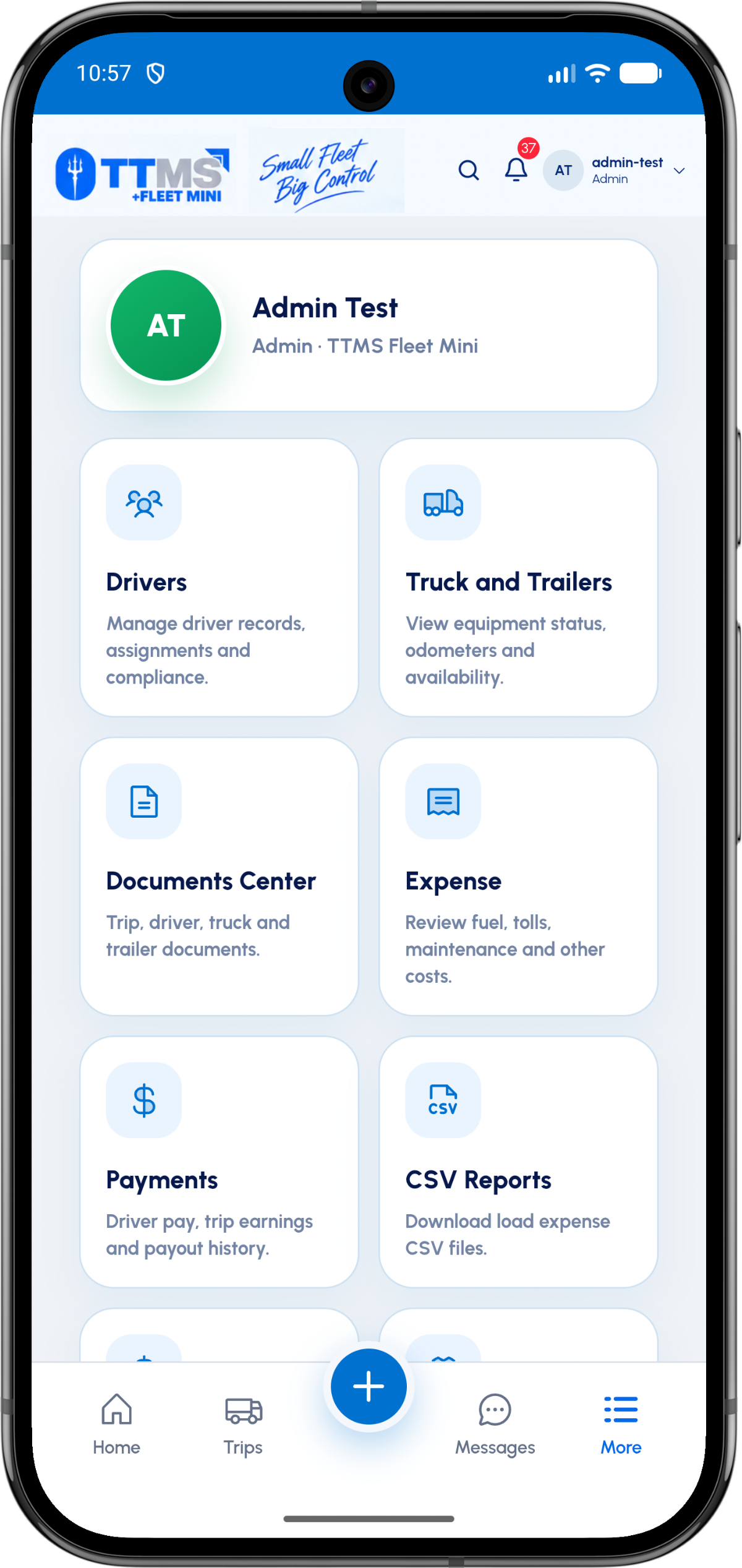
- Primary grain
- One row per load or expense detail
- Common sections
- Revenue, mileage, fuel, expenses and documents
- Self-service window
- Policy-controlled recent months
- Boundary
- Operational export, not tax advice
Design columns around traceability
Every total should be traceable back to a load, expense or document record. Stable IDs, dates and categories are more useful than presentation-only labels.
Separate revenue, fuel and other expense columns so accountants can map them without parsing notes.
Use an export policy
Recent months can be available for immediate self-service download. Older periods may move to an admin-assisted archive path according to storage and retention policy.
Generation should be asynchronous for large periods and produce a signed, time-limited download for the authorized requester.
Preserve the source relationship
The CSV is a snapshot. The application remains the source of the reviewed trip envelope, receipt and document history.
Include currency and timezone explicitly, and avoid silently changing historical values after an export is generated.
OPERATIONAL SEQUENCE
A workflow an owner and driver can both follow
The route ribbon makes the relationship between actions visible. Each step leaves context for the next person and the final review.
- 1Choose month
- 2Validate company access
- 3Generate from reviewed source records
- 4Notify when ready
- 5Download time-limited export
QUESTIONS & ANSWERS
Questions fleets ask
Can reports be downloaded month by month?
Yes. Month-based selection creates a predictable review period and keeps exports manageable.
What happens for older reports?
A fleet can use an admin-request workflow for periods outside the self-service retention window.
Should receipts be embedded in CSV?
CSV rows should reference the authorized document record; secure files can be packaged or linked separately according to access policy.
Is the report ready to file as a tax return?
No. It is an operational record that can support an accountant’s review; tax treatment requires the appropriate professional process.
Last reviewed: September 18, 2026. Product scope and terminology checked against the current mobile experience.